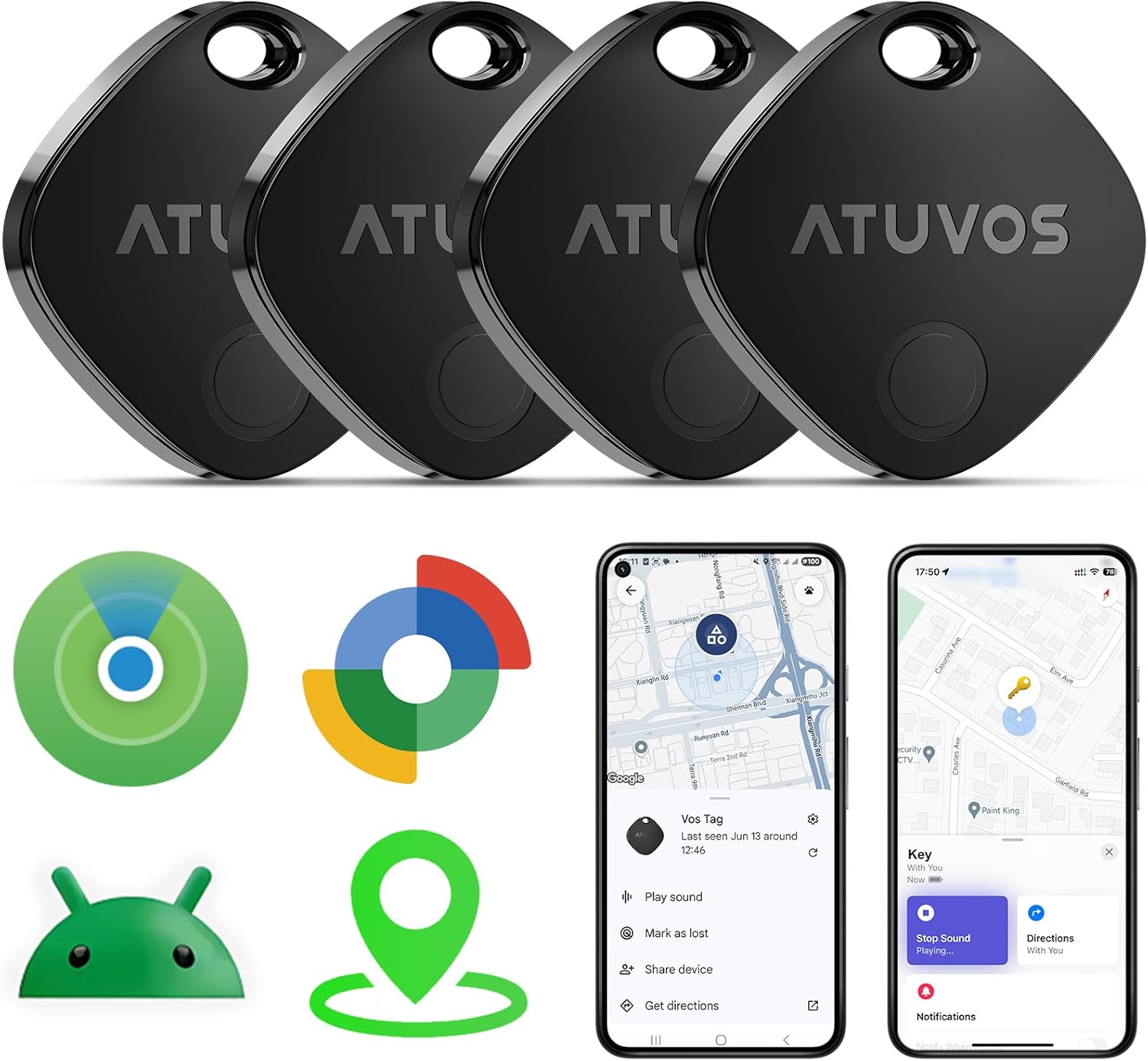
ATUVOS 2025 New Upgraded Dual System Air Tracker Tags-4 Pack, Compatible with iOS Apple Find My & Android Google Find Hub APP (Not for Huawei), Bluetooth Tracker for Keys, Luggage, Backpack, Suitcases
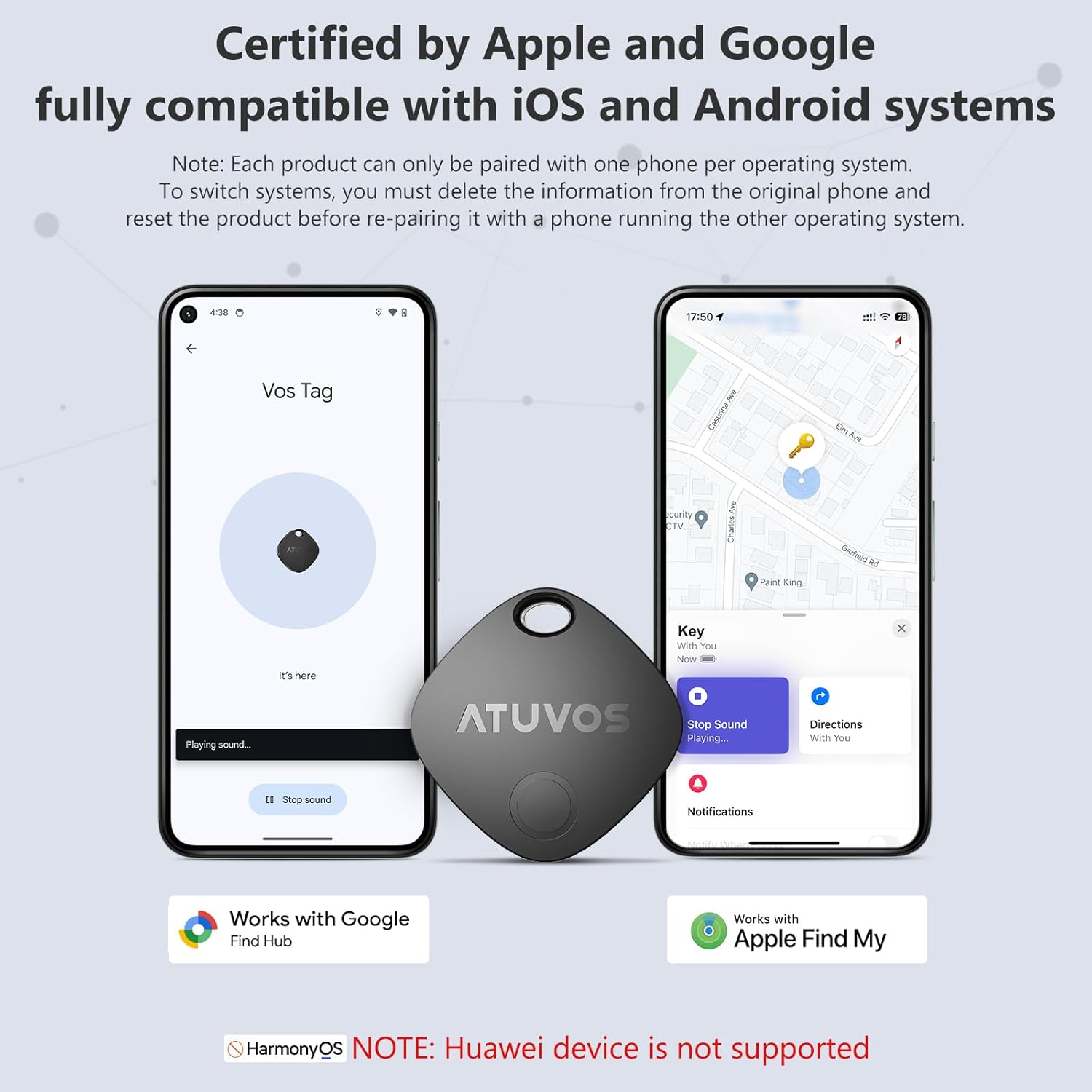
🏅【2025 Dual-System Compatibility】This Bluetooth tracking tag is fully compatible with both iOS and Android systems, easily pairing with Apple’s built-in Find My app or Google’s built-in Find Hub app, allowing you to seamlessly switch between different systems without purchasing a new tracker. It’s ideal for families with both iOS and Android phones. (Note: Cannot pair with iOS and Android devices simultaneously.)
📍【Find Nearby】Works with Apple Find My App or Google Find Hub App to help find your stuff by ringing your ATUVOS air tracker tags through the built-in speaker (loud ringing, 80-100 decibels), or just ask Siri for help. (Both iOS and Android are supported, not for Huawei devices.)
📍【Find Far Away】ATUVOS air tracker tags-4 pack finds items further away with hundreds of millions of Apple devices or Android devices (Huawei is not supported) in the Apple Find My network or Google Find Hub network. (No monthly or annual fees)
🔍【Instantly Locate】ATUVOS air tracker tags 4 pack allows you to view the location in real-time. When the distance is less than 200 feet, you can use the Apple Find My App or Google Find Hub App to play a sound and locate the position. When the distance is greater than 200 feet, you can use the map navigation feature in the Apple Find My App or Google Find Hub App to find the location of your ATUVOS air tracker tags-4 pack.
🔐【Protecting Your Privacy】When using ATUVOS air tracker tags, only you have knowledge of your item’s whereabouts. Our advanced technology guarantees that your location data is encrypted and inaccessible to anyone else, not even the manufacturer has access to this information.
📲【Easy Pairing】The ATUVOS air tracker tags-4 pack has a very easy pairing method. Open the Apple Find My App and Bluetooth, tap “Items” and then “Add Item”, select “Other Supported Item”, and follow the in-app instructions to complete pairing; Open the Google Find Hub App and Bluetooth, turn on your ATUVOS air tracker tag, place it near your Android devices (Requires Android version 9+), the connection pairing window pops up automatically, click “Connect” and follow the prompts to add it to the Google Find Hub App. (Both iOS and Android are supported, Huawei is not supported.)
📱【Left Behind Remind and Lost Mode】If your ATUVOS bluetooth tracker ever disconnects from your IOS device’s bluetooth connection, you’ll receive instant notifications. Whether you accidentally leave your backpacks at the gym or forget your keys at the office, our “Left Behind Remind” will be your prompt reminder to retrieve your items.